Scale Print — weighing, counting and automatic labeling
Complete system for product weighing and counting with automatic labeling. Compatible with Dibal, Digi, Ohaus and SWS scales. Ideal for production, stores and warehouses.
Production lines using standalone scales and manual label templates generate 1–2% mis-weighed or mis-labeled packages, triggering customer complaints and costly re-shipments in food, chemical and logistics workflows.
Production and Packaging Managers in food, pharma and logistics who need traceable, ERP-linked weigh-and-print stations.
From kickoff to go-live 30 days
A methodology matured through years of real-world deployments. We know every step, every pitfall, every accelerator.
Complete weighing, counting and labeling solution for production and retail.
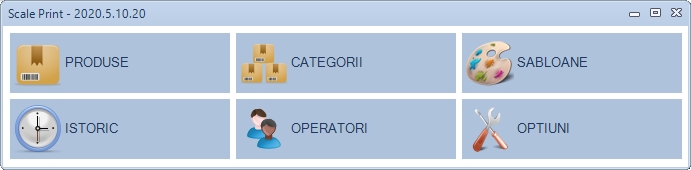
Scale Print automates manual weighing and labeling of variable-weight products. It combines real-time dynamic weighing with 0.1 g precision, automatic piece counting from bulk weight and instant GS1-compliant barcode label printing. The system is built for food processing (meat, poultry, fish, dairy, bakery), fresh-produce packing, pharmaceutical repackaging and variable-weight retail, and it integrates natively with Rosistem WMS as well as ERPs for production-to-warehouse traceability.
Dynamic weighing & piece counting
Scale Print reads values from the connected electronic scale in real time, applying automatic tare deduction to capture the exact net weight of each package. For small parts, the same unit can switch into piece-counting mode, deriving the number of items from the bulk weight at high throughput. The system supports multiple scale protocols — Dibal, Digi, Ohaus, SWS and generic serial scales — and can control several stations from the same back-office.

GS1 labels, lots and expiry dates
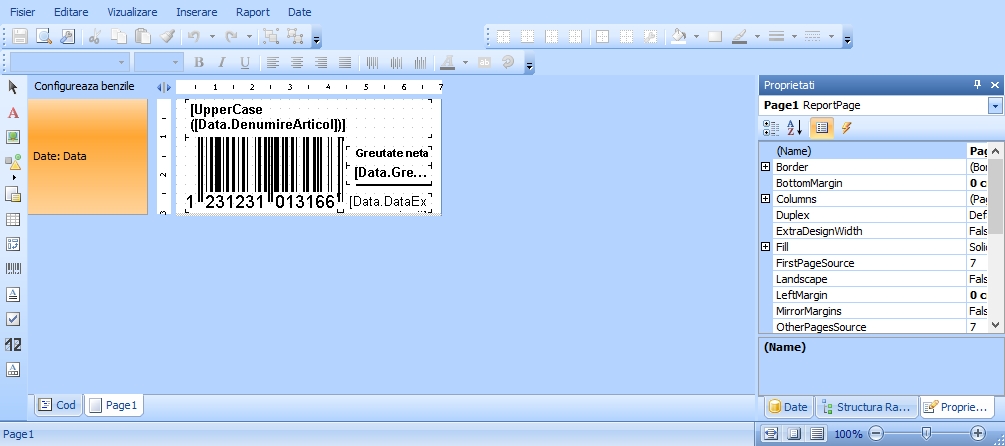
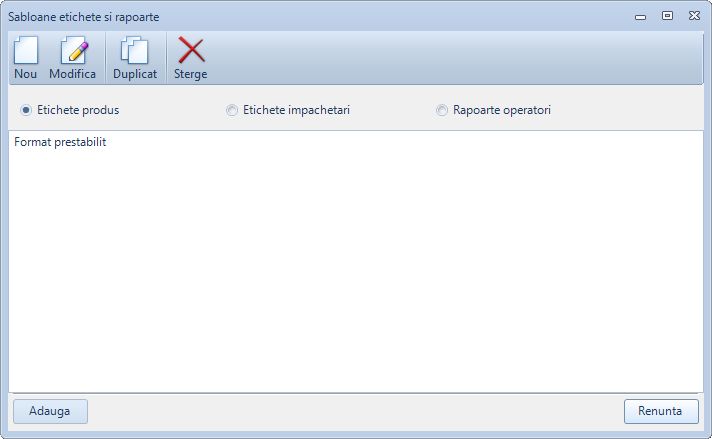
Each weighing triggers the instant printing of a GS1-compliant label (EAN-13, EAN-128, QR) containing variable data such as weight, price, batch, expiry date and SSCC. Labels are designed in a drag-and-drop editor with multiple formats per product — different layouts for tray, box, carton or pallet — and operators can preview the label before printing. This is especially valuable for food processing, where each pack must carry lot and expiry information for traceability and regulatory compliance.

Article management & packaging forms
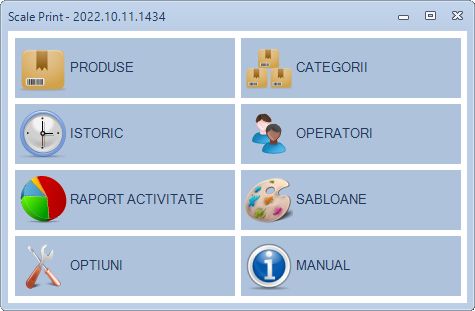
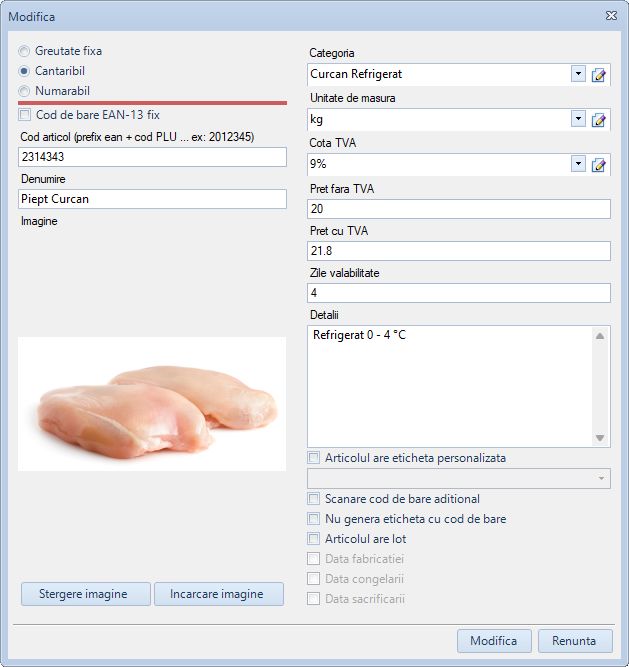
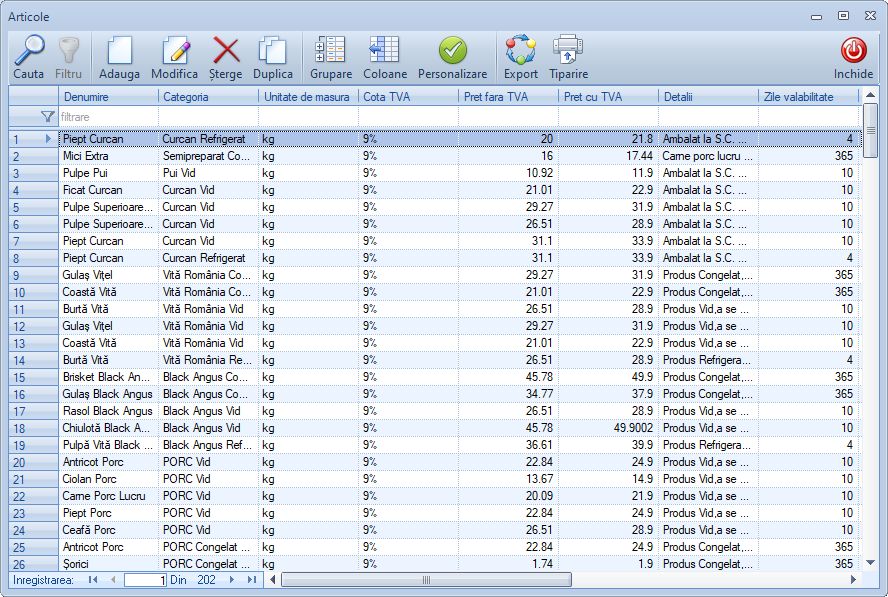
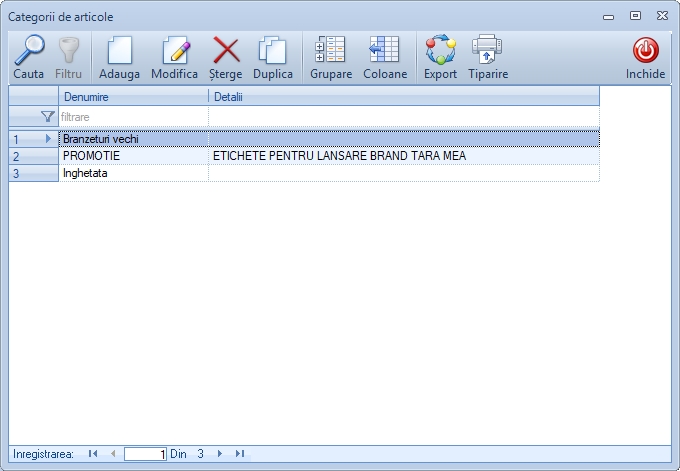
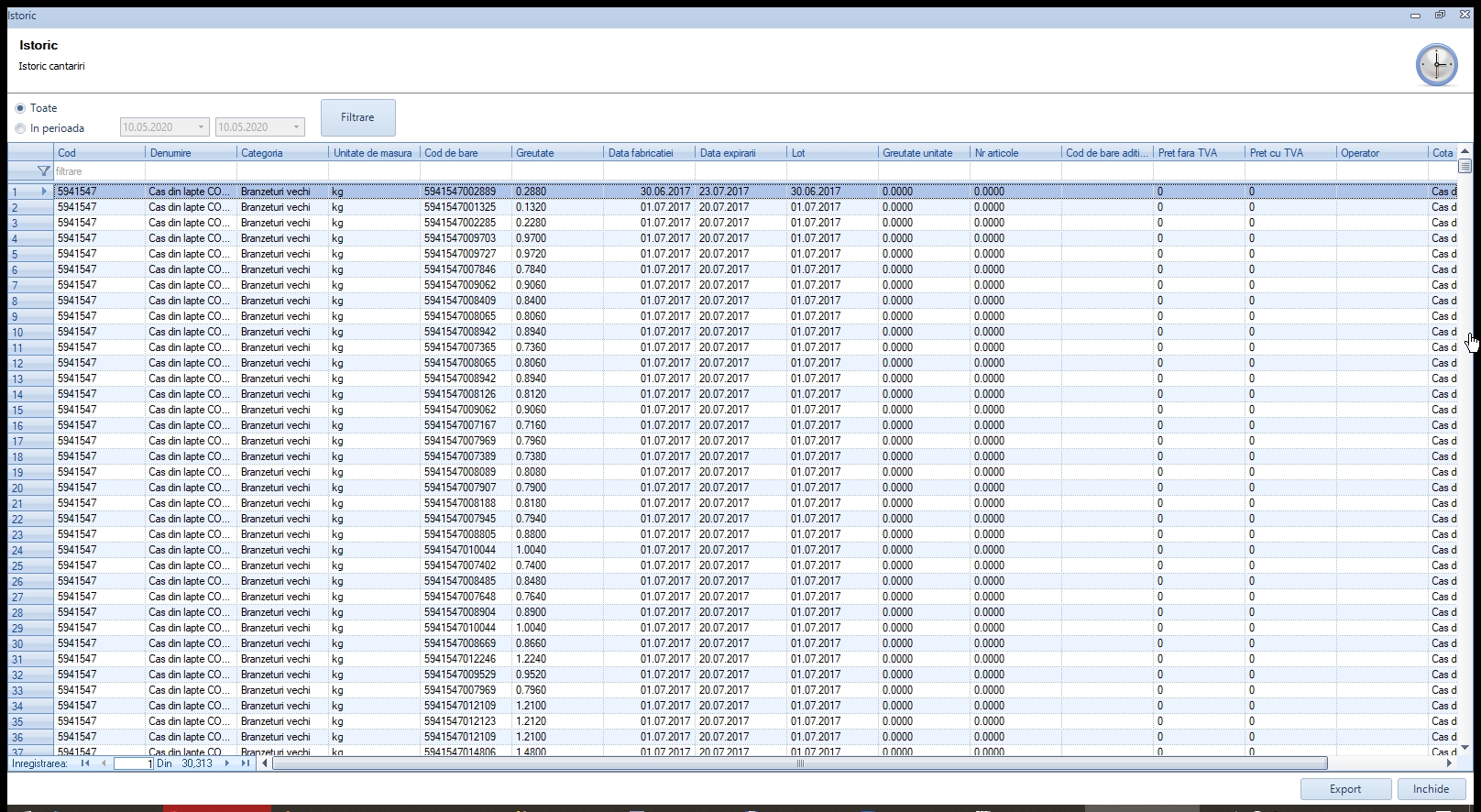
The article manager stores product data — code, name, unit price, tare, variable-data schema — and lets operators search by code or name in under a second. Packaging forms (tray, box, carton, pallet) are customizable per article, and the same SKU can ship in different formats with different labels. Operator access is protected by password with weighing history and packaging records stored per user, which simplifies shift-level productivity reporting and loss prevention.

Quality control & WMS/ERP integration
Quality-control checks can reject packs outside tolerance, automatically signaling a diverter or an operator station. Production reporting and yield analytics show output per line, per shift and per operator. Native integration with Rosistem WMS closes the loop between production and warehouse, while ERPs receive the labeled items via TCP/IP, database triggers or XML/JSON APIs. Remote multi-station management lets one dispatcher oversee multiple packing lines.

Everything you need, in one system
Dynamic catch weighing (0.1 g)
High-precision real-time weighing with automatic tare deduction.
Piece counting from bulk weight
Accurate counting at high throughput for small-part packaging.
GS1 EAN-13, EAN-128, QR labels
Standards-compliant barcode generation with embedded variable data.
Drag-and-drop label designer
Multi-language label layouts designed once, reused across products.
Quality control with reject handling
Out-of-tolerance packs are diverted automatically for review.
Production reporting & yield
Output per line / shift / operator, with exportable analytics.
Remote multi-station management
Central dispatcher oversees all packing lines in real time.
Password-protected operator access
Per-user activity log plus weighing and packaging history.
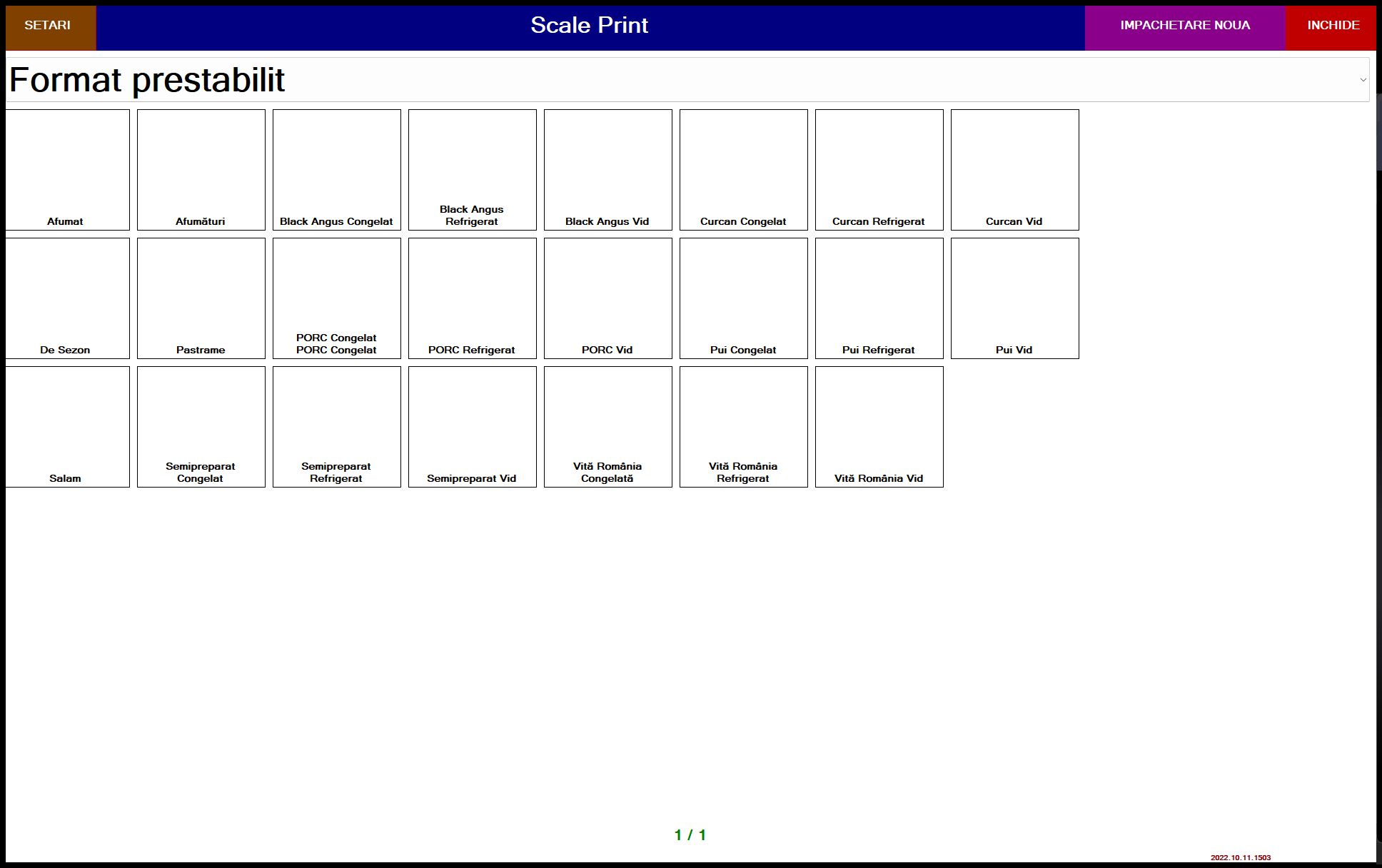
See the solution at work
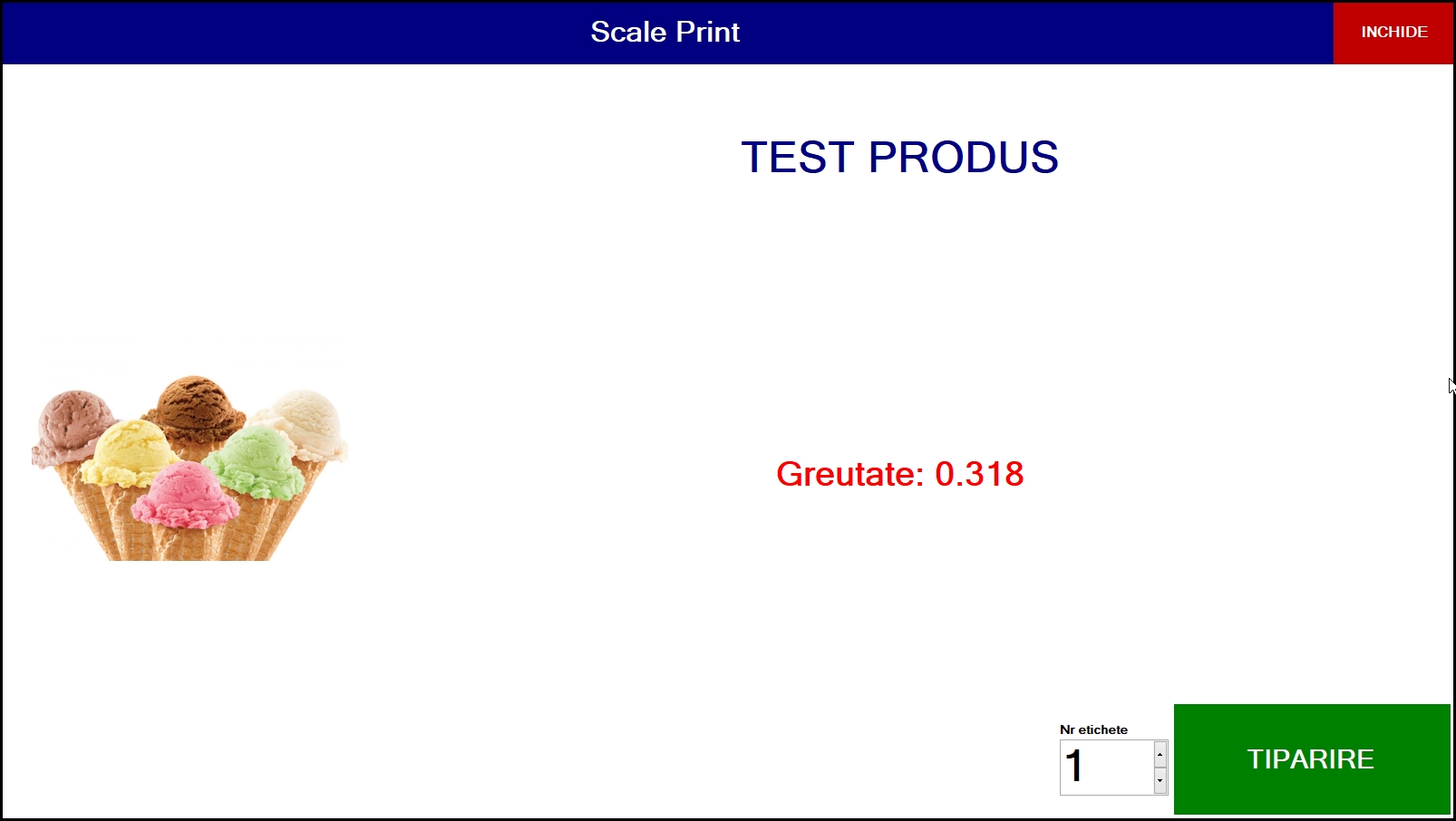
Real-world scenarios by industry
Connects with the systems you already run
Runs on any industrial terminal
Key objectives
Five objectives. Error-free weighing and labeling.
Automatic weighing
Read weight directly from the scale into the application. No manual entry, no transcription errors.
Parts counting
Precise counting by weighing: enter the weight of one piece and get the quantity instantly.
Instant labeling
Print label with measured weight immediately after weighing. Flexible label design included in the product.
ERP integration
Send weights and quantities directly to WinMentor, Nexus or any ERP via API. Correct data, instantly.
Compliance
Meet metrological and traceability requirements. Weighing reports with electronic signature for audit.
Demo video
See the app in action
Demo video
See the app in action
Watch a complete application demo and discover how it can transform your company processes.
Request a personal demoFeatures
Complete modules for industrial weighing and labeling
From receiving to shipping — every stage controlled, every operation traceable.
Scale driver (Dibal, Digi, Ohaus, SWS, Mettler-Toledo)
Certified drivers for all popular industrial scales. RS-232 serial or USB communication. Plug & play.
Automatic label printing
Automatic printing immediately after weighing. Support for Zebra, TSC, Citizen, Brother and other popular printers.
Label design
Full visual editor for label design. Logo, barcode, QR, dynamic fields, fonts, sizes. Template saving.
Database connection
Connect ScalePrint to SQL, Access or Excel databases to automatically retrieve product names, prices and codes.
Multi-station setup
Installation on multiple workstations with independent configurations per station: scale, printer, database.
Production reports
Daily, monthly and annual weighing reports: quantities, weights, operators, shifts. Excel and PDF export.
Why Rosistem
Fast implementation. Guaranteed ROI. Local support.
How Scale Print Works
- Weighing: Product is placed on the scale. Weight is read automatically via RS232, USB or TCP/IP protocol.
- Calculation: System calculates price (weight × price/kg), VAT, expiry date based on lot.
- Label generation: Label with GS1 barcode (EAN-13 or GS1-128) is generated instantly — includes weight, price, lot, expiry date.
- Printing: Label is automatically printed on the Zebra or Honeywell printer connected to the station.
- Traceability: Lot data is saved in WMS for complete "farm to shelf" traceability.
Answers to your questions
Which scales is Scale Print compatible with?
DIGI, Mettler Toledo, Bizerba, ISHIDA, Avery Weigh-Tronix systems and any scale with RS232 or TCP/IP serial port.
Can it generate full GS1 barcodes?
Yes. We generate EAN-13 with price field (AI 3100/3102) and GS1-128 with lot (AI 10), expiry date (AI 17) and weight (AI 3103).
Does it work in cold temperature factories?
Yes. We have implemented in sausage and cheese factories at 2–8°C temperatures. Equipment is industrial grade.
Ready to implement Rosistem Scale Print?
Request a free, personalized demo for your company. Our consultant will contact you within 24 hours.
Other Rosistem solutions